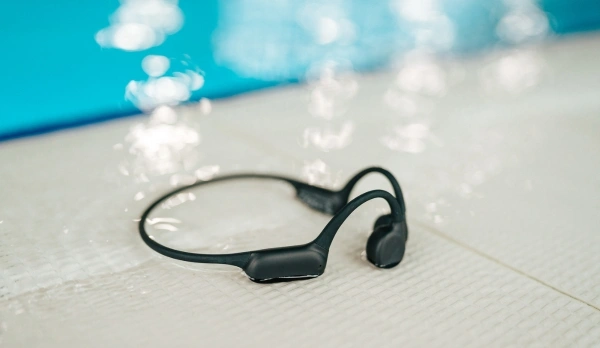
A waterproof rating tells you a device can survive being underwater. It doesn't tell you what chlorine, salt, sweat, and sun do to it after the swim is over — and that's where most premature failures actually happen.
Rinse After Every Session — Not Just Saltwater
Chlorine and salt both leave mineral and chemical residue on charging contacts and seams. Rinse the device under fresh, running tap water immediately after your session, even if you swam in a chlorinated pool rather than open water. A quick 10–15 second rinse is enough — no soap needed, and no need to submerge it further than it already was.
Dry It Properly Before Storing
Shake off excess water, then wipe down with a soft, lint-free cloth. Let it air dry fully before placing it in a case or bag — sealing a still-damp device traps moisture against the housing and charging contacts, which is one of the more common causes of corrosion over time. Avoid direct sunlight or heat sources to speed up drying; UV and heat degrade silicone seals faster than normal use does.
Charging Port and Contact Care
Magnetic and pin-based charging contacts are the most exposed part of most swim headphones. Chlorine and salt residue on these contacts is the most common reason a device suddenly "won't charge" despite being otherwise fine. Wipe contacts dry before every charge, and if you notice a white or greenish residue building up, clean it gently with a dry cotton swab rather than letting it accumulate.
Storage Between Sessions
- Store in a ventilated case rather than a fully sealed bag if you swim multiple times a week — trapped humidity between sessions adds up
- Avoid leaving devices in a hot car — heat is harder on internal batteries than water exposure is on the housing
- If you won't use the device for a few weeks, charge it to roughly 50% first — storing lithium batteries fully charged or fully drained for long periods shortens their lifespan
Signs You're Already Seeing Damage
Inconsistent charging, a device that won't hold charge as long as it used to, or a slight rattle that wasn't there before are the early signs of chlorine or moisture getting where it shouldn't. None of these mean the device is done for — but they're a signal to tighten up the rinse-and-dry routine before it gets worse.